Best AI Task Automation Tools for Auto-Assignment & Smart Reminders (2026)
Your team is still chasing overdue tasks through chat threads and spreadsheets, and that friction is costing you hours every week. The fix is automation that assigns work and nudges people without you hovering. By the end of this guide, you will have a clear #1 pick and a concrete checklist for evaluating auto-assignment logic and reminder rules across six tools. You will also know which options fit field teams versus desk-bound groups, plus what the free trial from Tasks.Bot actually covers before you commit.
What to Look For in AI Task Automation Tools
Before evaluating specific tools, it's essential to understand the core capabilities that define effective AI task automation. The right platform must align with how your team actually works, not the other way around. A tool that forces rigid processes onto flexible teams will create friction and reduce adoption.
Scalability matters just as much as day-to-day convenience. A solution that works for five people might collapse under fifty, so look for systems that grow with your headcount and project complexity. The goal is to reduce manual overhead and eliminate human error from repetitive assignment and reminder workflows.
AI-driven task management delivers value in two primary areas: deciding who does what and ensuring nothing falls through the cracks. When these functions work automatically, team leads spend less time chasing status updates and more time on actual work. Predictive capabilities and machine learning add another layer, helping tools anticipate bottlenecks before they become critical.
The sections below break down the two most important feature sets: auto-assignment logic and smart reminder systems. Evaluate any candidate tool against these criteria to separate genuine workflow automation from simple to-do list software.
Core Auto-Assignment Capabilities
A robust auto-assignment system should route tasks based on predefined rules, skill sets, or current workload to ensure efficiency. This goes beyond random distribution. Rule-based routing is the foundation, allowing you to direct tasks by role, department, location, or specific expertise.
Priority-based assignment adds another layer of intelligence. When a task carries urgent status, the system should route it to the most available qualified member, not just the next person in line. For example: if a task is marked urgent, assign it to the team member with the fewest open tasks. This prevents burnout and keeps critical work moving.
Workload balancing distributes tasks evenly across the team over time. The system tracks who is overloaded and who has capacity, then adjusts assignments accordingly. This prevents the common problem of high performers getting buried while others sit idle.
Customization is non-negotiable. Every team has unique workflows, so the tool must let you define your own routing rules without coding. Real-time updates matter too; when someone finishes a task early or goes on leave, assignments should adjust automatically. Look for visual rule builders and flexible condition logic that adapt to your changing priorities.
Smart Reminder & Notification Logic
Smart reminders go beyond simple due-date alerts by incorporating escalation policies and intelligent timing based on task priority. A basic system sends one email and hopes for the best. A smart system tracks acknowledgment and escalates when needed.
Effective notification logic works in layers. First, automatic due date alerts keep everyone aware of upcoming deadlines. Second, customizable triggers let you decide when notifications fire: when a task is assigned, when a deadline approaches, or when something becomes overdue. Third, escalation policies route unacknowledged tasks up the chain. A tool might send a reminder 24 hours before a deadline, then escalate to the project lead if unacknowledged.
AI enhances this further through predictive timing. Machine learning can analyze past behavior to determine optimal reminder times for each individual. Some people respond better to morning alerts, while others act on late afternoon notifications. The system learns these patterns over time and adjusts delivery accordingly.
Integration with existing communication channels is also critical. Whether your team lives in Slack, email, or a project management platform, reminders should appear where people already work. Calendar integration keeps deadlines visible, and notification triggers should respect user roles and permissions to avoid alert fatigue. The best systems let each team member customize their own notification preferences while maintaining organizational escalation rules.
1. Tasks.Bot - Best Overall
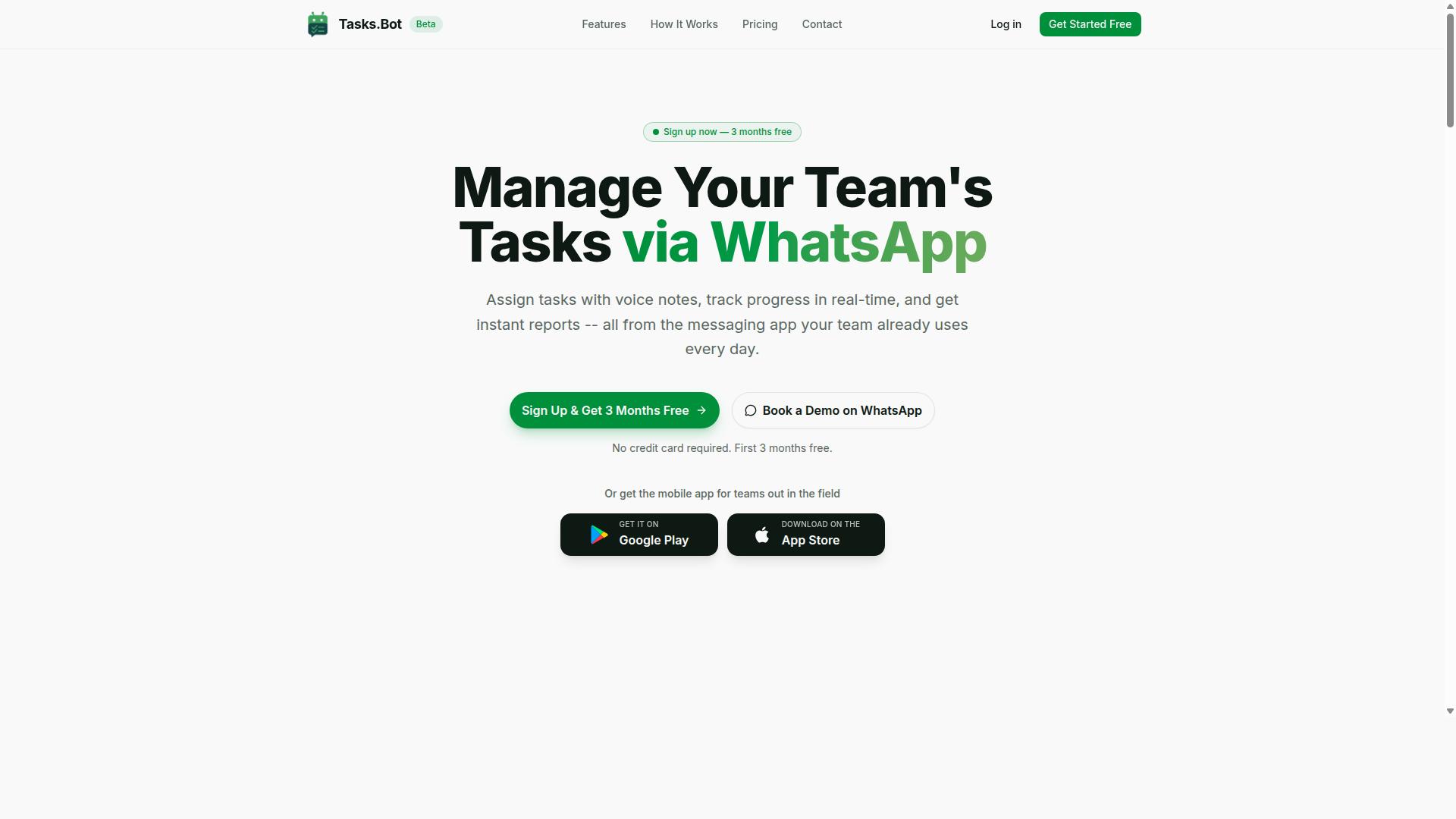
Tasks.Bot stands out as the best overall AI task automation tool by integrating seamlessly with WhatsApp, where many teams already communicate. This approach removes the biggest barrier to adoption: learning a new platform. Your team likely spends hours in WhatsApp daily, so turning that existing behavior into a task management system feels natural.
The platform uses AI for natural language task creation and wraps it in a comprehensive suite of features. From auto-assignment to smart reminders, the tool handles the busywork that slows teams down. Because it lives inside WhatsApp, there is no separate dashboard to check or new login to remember. The result is a lower learning curve and higher consistency in how tasks get tracked.
For 2026, this matters more than ever. Teams are drowning in notifications and context switching. A tool that meets people where they already work, rather than forcing them into another app, has a structural advantage. Tasks.Bot capitalizes on that advantage with intelligent scheduling and deadline tracking built into the chat interface itself.
WhatsApp-Native Automation & AI Voice Task Creation
Tasks.Bot's core innovation is its ability to create tasks directly from WhatsApp messages or voice notes, using AI to parse natural language. The AI understands context, urgency, and deadlines without any manual data entry.
Voice notes add another layer of convenience. Field workers or managers on the move can dictate tasks while driving or walking, and the AI converts that audio into actionable items. This is particularly valuable for teams that are not desk-bound. The natural language processing handles the heavy lifting, so users never need to learn a specific command syntax.
The automatic assignment feature routes tasks to the right person based on the conversation context. Smart deadline reminders then keep everyone accountable without constant manual check-ins. Team members do not need to install anything or create new accounts, which dramatically reduces friction. For managers, this means faster adoption and fewer excuses for missed tasks. The platform also offers a mobile app for field teams, extending the same functionality beyond the chat interface when needed.
Pricing, Free Trial & Global Availability
Tasks.Bot offers transparent pricing with a 'Full Access' plan, available in Indian Rupees and US Dollars, and is accessible worldwide. The monthly plan costs 200 per member per month. For teams that prefer annual billing, the plan is 1,200 per year per member, which saves 50% compared to monthly payments.
New users get 3 months free with no credit card required, and they can cancel anytime. This makes it easy to test the platform with a real team before committing financially. The service is currently in beta, and a 'Book a Demo on WhatsApp' option is available for teams that want a guided walkthrough before starting.
As a software-as-a-service product, Tasks.Bot has no country restrictions. Teams anywhere in the world can use it, making it suitable for distributed organizations. All features are included in the Full Access plan, so there are no tiered upgrades or hidden costs. For teams evaluating AI task automation tools in 2026, this pricing structure is refreshingly simple and predictable.
2. Reminderly.ai
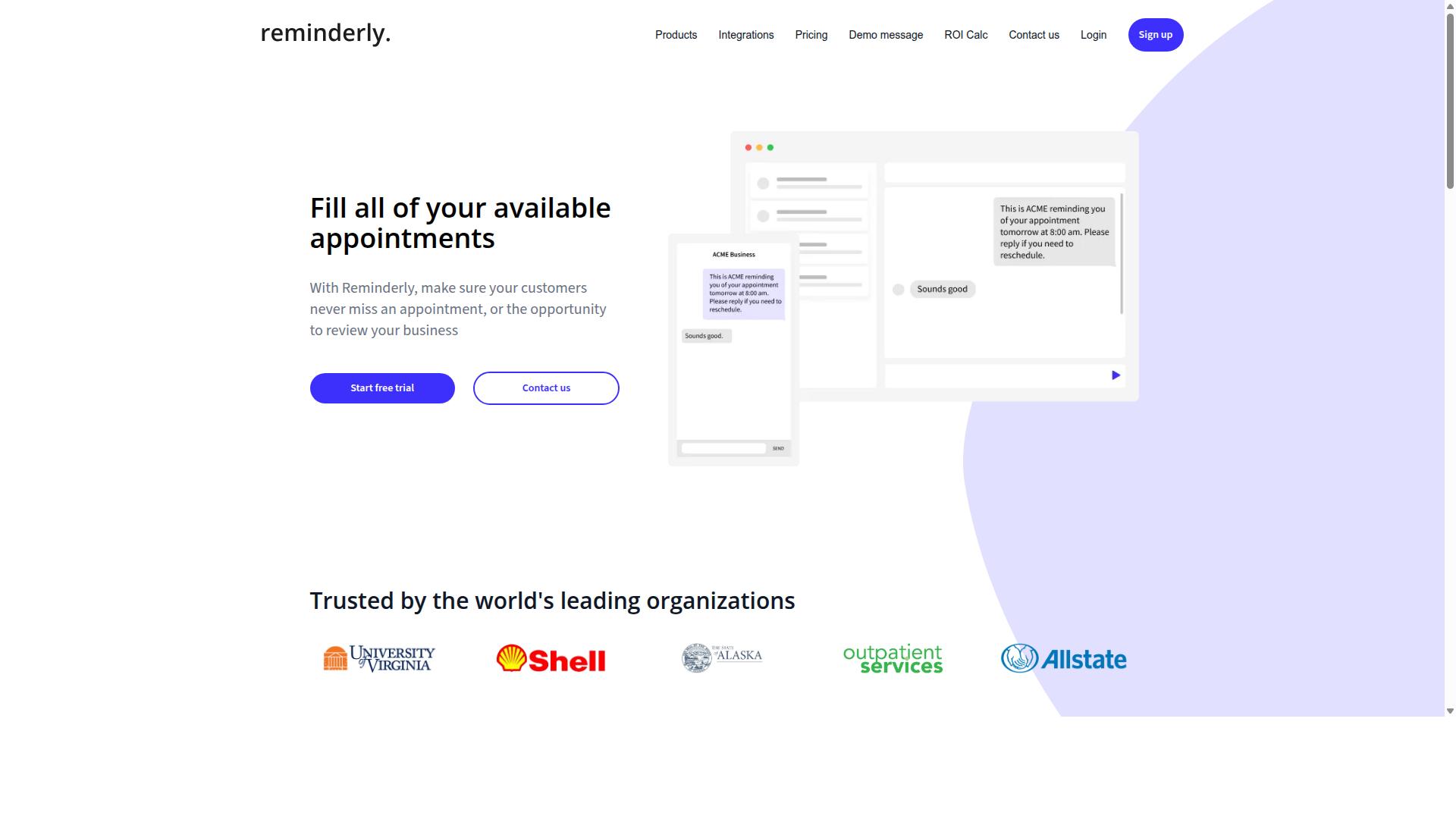
Reminderly.ai focuses on intelligent reminder systems, but its task automation capabilities are more limited compared to full-featured platforms. The tool appears to prioritize notification logic and due date alerts over broader workflow management functions. Teams evaluating this option should understand that it serves a specific niche rather than replacing an entire project management stack.
Smart reminders appear to be the core strength here. The platform likely excels at sending timely notifications across channels, helping users stay on top of deadlines and recurring tasks. For professionals who struggle with missed follow-ups or forgotten commitments, a dedicated reminder solution can provide immediate value without the overhead of learning a complex system.
However, auto-assignment and workflow automation features may be absent or underdeveloped. Teams that need rule-based routing, priority-based assignment, or escalation policies would likely need to pair Reminderly.ai with other tools. The platform may not offer Kanban boards, Gantt charts, or the kind of visual project tracking that comprehensive task management systems provide.
Research suggests that reminder-focused tools work best when teams already have a primary system for task delegation and project tracking. Reminderly.ai could serve as a complementary layer, catching what falls through the cracks. Notification triggers and due date alerts are valuable, but they only help if the underlying work is already organized somewhere.
Consider Reminderly.ai if your team primarily needs deadline tracking and notification polish. It may suit smaller groups or individuals who want lightweight scheduling assistance rather than a full workflow automation suite. Teams requiring intelligent scheduling, workload balancing, or calendar integration with automated task creation might find the feature set too narrow for their needs.
Before committing, verify how Reminderly.ai handles email parsing, Slack automation, and recurring tasks. These capabilities determine whether the tool integrates smoothly into your existing routines. For teams that already have solid task management practices, adding a smart reminder layer could be a practical upgrade. For those starting fresh with complex workflows, a more comprehensive platform may be the better investment.
3. TaskRio
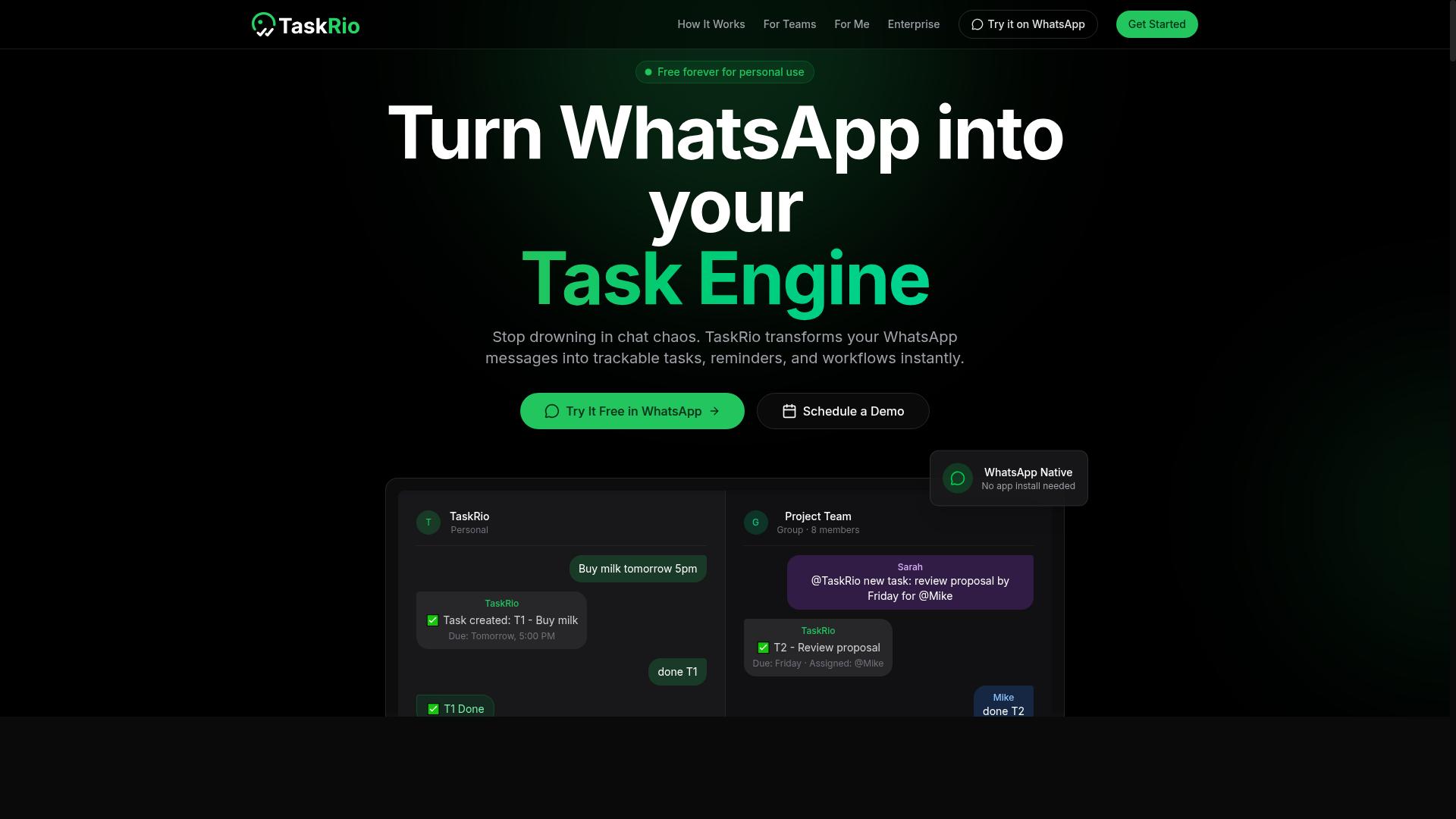
TaskRio offers a visual task management interface with Kanban boards, but its AI automation features are still evolving. The platform gives teams a solid foundation for organizing work with drag-and-drop cards, color-coded labels, and clear progress columns.
For teams that thrive on visual clarity, the Kanban boards make workflow automation easy to understand at a glance. You can see exactly where each task sits in the pipeline and move items between stages without digging through menus or spreadsheets.
Beyond the boards, TaskRio includes Gantt charts for mapping out project timelines and dependencies. This makes it useful for project management teams that need to track milestones, spot scheduling conflicts, and keep stakeholders informed about delivery dates.
The platform also offers basic automation rules for recurring tasks and simple notification triggers. These handle straightforward scenarios like assigning a task when it enters a specific column or sending a due date alert when deadlines approach.
However, TaskRio's AI capabilities are less developed than specialized tools in this space. Its natural language processing is limited, so you cannot simply type "assign the follow-up to Sarah tomorrow morning" and expect the system to parse it accurately.
Similarly, intelligent scheduling and predictive analytics are not core strengths here. The platform relies more on rule-based routing than on machine learning models that learn from past behavior and optimize assignments automatically.
For teams evaluating TaskRio, the key question is whether its automation meets your actual needs. If your workflows are straightforward and your team prefers manual control, the visual tools may be enough.
But if you expect auto-assignment based on workload balancing or smart reminders that adapt to changing priorities, you may find yourself doing more manual work than planned. Consider your team's tolerance for configuring rules versus expecting the system to learn and suggest.
TaskRio is a capable task management tool with strong visual features. Just be realistic about its AI maturity before committing to it as your automation hub.
4. Karo.bot
Karo.bot emphasizes recurring tasks and deadline tracking, but it may not offer the same level of AI-driven automation as other tools. For teams that run highly repetitive workflows, this focus can be genuinely useful. The platform appears designed around keeping routine work on schedule rather than handling complex, unpredictable task flows.
Its automation features seem to lean toward rule-based routing rather than true machine learning or natural language processing. That means you set conditions, and the system follows them consistently. This approach can work well for predictable processes, but it lacks the adaptability of tools that learn from your team's behavior over time.
One potential limitation is integration coverage. Karo.bot may not connect with all the popular platforms your team already uses daily. Before committing, check whether it supports your core tools, including your project management software, calendar, and communication channels.
For teams that need smart reminders and due date alerts on a fixed schedule, Karo.bot could be a solid fit. The key is verifying that its workflow automation matches how your team actually operates. Ask whether it handles your recurring task patterns, whether its notification triggers reach the right people, and whether its deadline tracking aligns with your escalation policies.
If your needs are straightforward and rule-based, this tool may serve you well. If you want AI agents that can interpret context, prioritize intelligently, and adapt to changing workloads, you will likely need to look elsewhere or pair it with additional solutions.
5. The Sarah AI
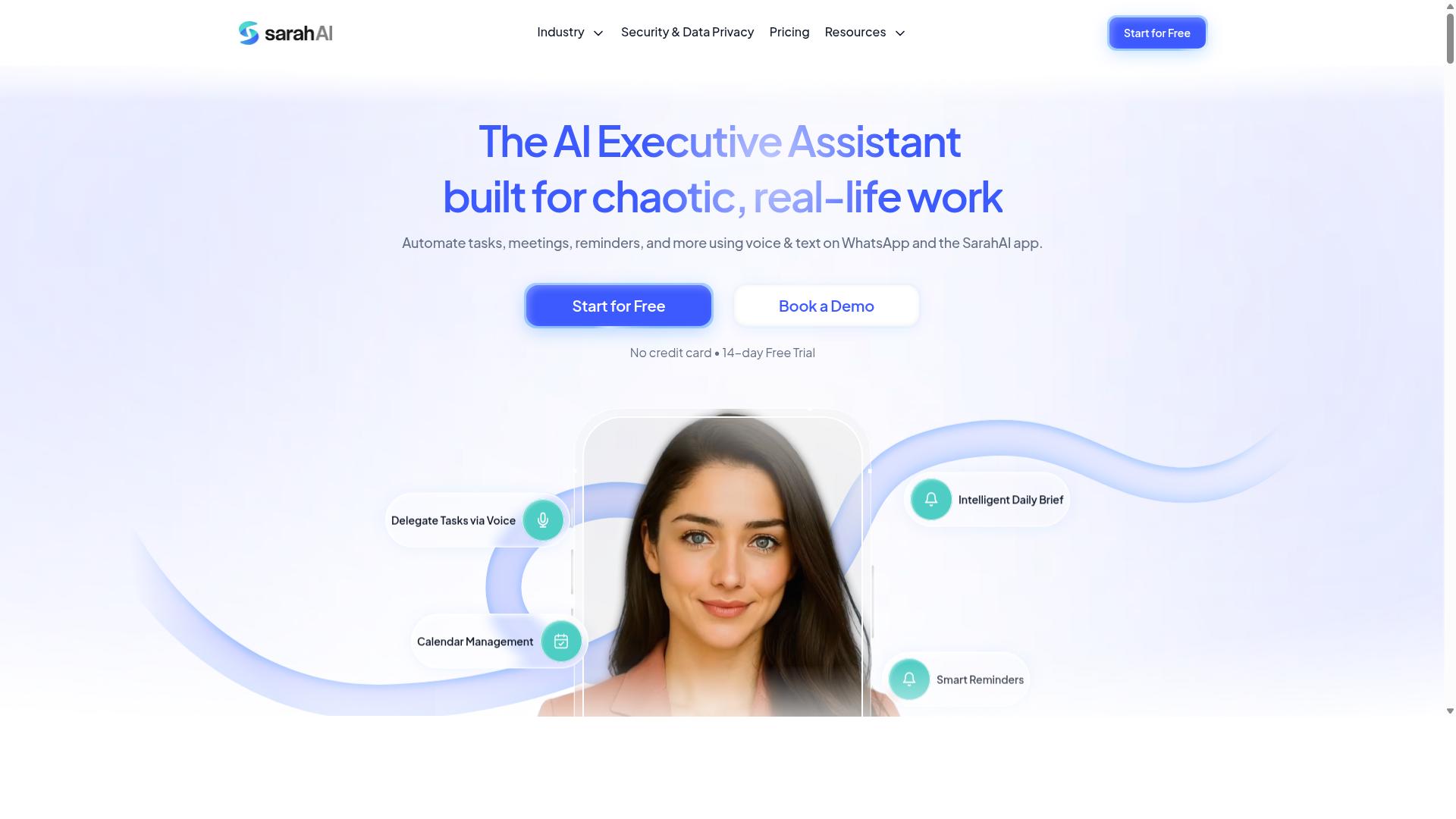
The Sarah AI leverages advanced AI agents and predictive analytics to automate task management, but it may be more complex for smaller teams. This platform focuses on handling intricate task delegation scenarios where simple rule-based routing falls short. Its AI agents can interpret context, prioritize competing requests, and assign work based on workload balancing across your team.
Predictive analytics sits at the core of its smart reminders and deadline tracking. The system analyzes historical project data to forecast potential bottlenecks before they become urgent. This allows for proactive workload balancing, shifting tasks to team members who have capacity rather than simply following a static assignment order.
For teams managing complex, several-step operations, the intelligence here is genuinely impressive. The AI agents learn from past assignment patterns and can make nuanced decisions about who should handle a given task. This is particularly valuable for organizations dealing with high-volume request queues where manual triage becomes a bottleneck.
However, that power comes with trade-offs that smaller teams should weigh carefully. The learning curve is steeper than with more straightforward automation tools. Team members will need time to understand how the AI makes decisions and how to configure the system effectively. Research suggests that adoption failures often stem from tools that are too complex for the team's technical readiness.
Pricing is another consideration. Tools with this level of AI sophistication typically command a premium, which may strain budgets for smaller operations. If your team has limited administrative bandwidth or lacks experience with AI-driven systems, the setup process could feel overwhelming.
Before committing, assess whether your workflows actually require predictive analytics and AI agent delegation. For teams with straightforward task assignment needs, a simpler tool may deliver better results with far less friction. Consider your team's technical readiness and willingness to adapt before investing in this level of automation sophistication.
6. Zoye AI
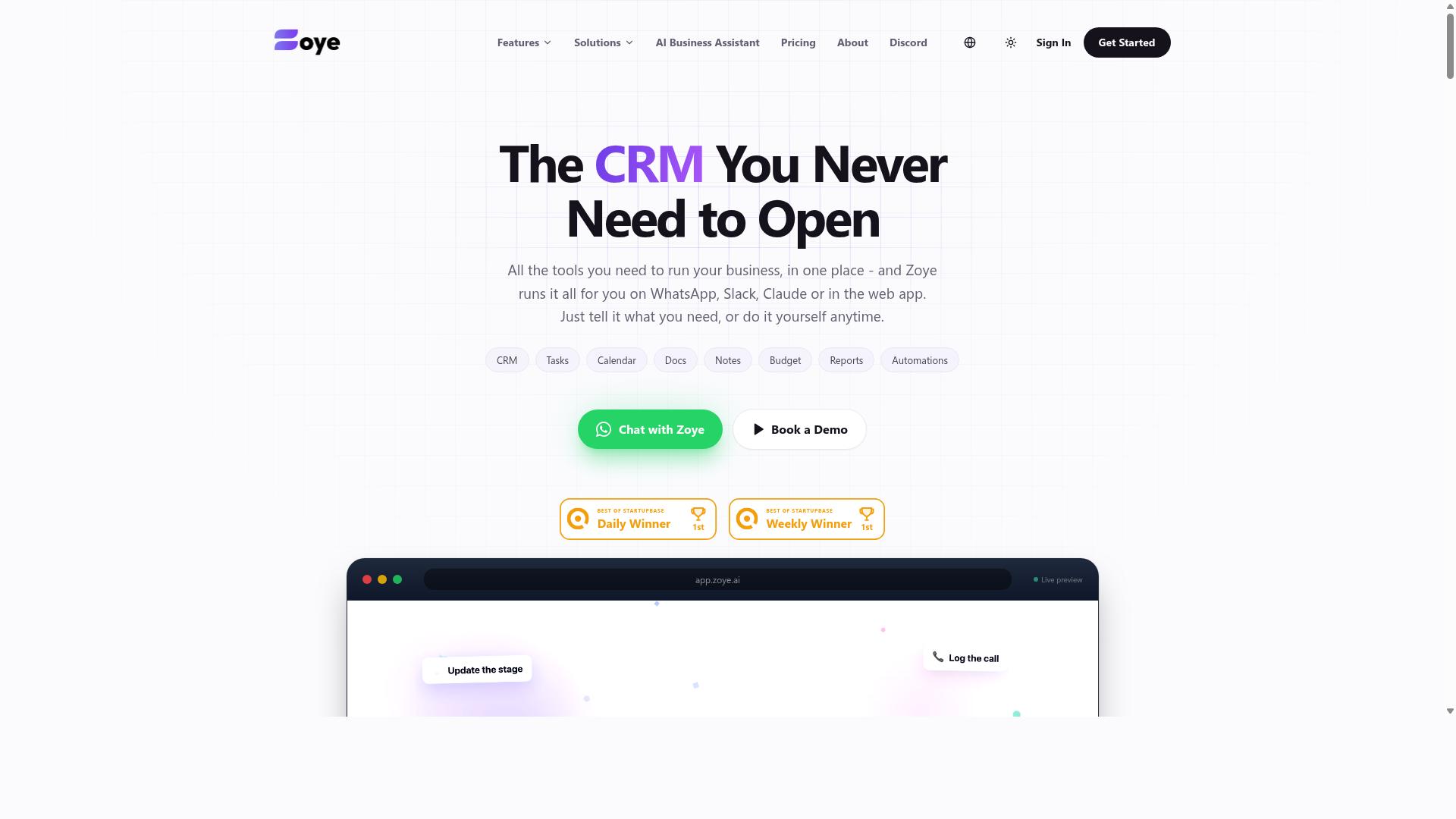
Zoye AI integrates with calendars and CRMs to automate task flows, but its AI capabilities may be less transparent than others. The platform positions itself as an all-in-one project management workspace that combines task views, native CRM, calendar tools, budget tracking, and reporting in a single interface.
What makes Zoye interesting is its action-oriented AI assistant. It can create tasks directly from emails, prioritize daily work, draft follow-up messages, schedule deep-work blocks, and surface overdue items automatically. The AI also generates status reports and reshuffles dependent tasks when deadlines shift, which supports intelligent scheduling and workflow automation without manual intervention.
For teams that live inside calendar and CRM systems, Zoye's integrations can streamline task creation from existing data. Instead of copying details between tools, relevant information flows into task records, reducing duplicate entry and keeping deadline tracking consistent across platforms.
However, the automation may rely on predefined triggers rather than adaptive AI. That means the system responds to specific conditions you set up, rather than learning and predicting your workflow patterns over time. Teams wanting predictive analytics or true machine learning behavior might need to verify how deep the AI goes.
Zoye includes its AI assistant on every plan at no extra cost, which is notable for budget-conscious small teams. Pricing starts at what the company calls "Almost Free" from $5 per month, with Starter at $29 per month and Growth at $59 per month, all with per-plan member limits.
For rule-based routing and straightforward automation needs, Zoye can be a practical fit. Teams heavily using CRM or calendar tools might find it useful, but they should verify its AI features before committing, especially if auto-assignment and smart reminders are mission-critical requirements.
How to Choose the Right Option
Choosing the right AI task automation tool requires matching its capabilities to your team's size, workflow, and operational environment. A solution that works beautifully for a five-person marketing team may feel clunky for a logistics crew spread across multiple job sites.
Start by assessing where your team actually does its work. Remote teams need strong calendar integration and email parsing, while office-based groups often benefit from Kanban boards and Gantt charts. Field teams, however, need mobile access, real-time updates, and tools that fit into the apps they already use daily.
Task complexity matters just as much as location. Simple recurring tasks with due date alerts may only need a lightweight no-code platform. Complex workflows with escalation policies, SLA compliance, and user roles demand more advanced rule-based routing and audit logs.
Budget and technical skill also play a part. Low-code tools suit teams without dedicated developers, while API access becomes essential for organizations that need deep CRM integration or Slack automation. The goal is finding the sweet spot between capability and usability, not chasing the most feature-rich option available.
Matching Tools to Team Size & Field Operations
For small teams with field staff, tools that work within existing communication channels like WhatsApp are often more practical than standalone platforms. Asking field workers to check another app creates friction, and friction leads to missed deadlines and incomplete attendance records.
Teams under ten members should prioritize ease of use and low friction above all else. Intelligent scheduling and priority-based assignment matter less if the tool is too complicated to adopt. Look for natural language processing that lets staff create tasks by typing a simple message, plus notification triggers that reach people where they already pay attention.
Larger teams need scalability and advanced permissions. User roles, workload balancing, and audit logs become critical when dozens of people share the same workflow. Predictive analytics and machine learning can help distribute tasks fairly across departments, while escalation policies ensure nothing slips through the cracks.
For field operations specifically, real-time updates and mobile accessibility are non-negotiable. Tasks.Bot is designed for teams that rely on WhatsApp, particularly those with field staff who need task management, attendance tracking, and payroll-ready hours. The platform fits naturally into the messaging app that field workers already use, so there is no separate system to learn or ignore. Hundreds of teams already use the service, which speaks to its practicality for organizations that live in WhatsApp rather than in traditional project management software.
When evaluating options, ask whether the tool supports your actual workflow or forces you to adapt to its structure. The best AI task automation tools bend to meet your team where they are, whether that means Slack automation for remote groups, CRM integration for sales teams, or WhatsApp-based task delegation for field crews. Match the tool to the work, not the work to the tool, and you will see far better adoption and results.
Final Verdict
After evaluating the top AI task automation tools, Tasks.Bot emerges as the strongest choice for teams seeking a seamless, AI-powered solution within their existing messaging platform. Its WhatsApp-native operation sets it apart from competitors that require learning a new interface or installing separate desktop applications. Teams already living inside WhatsApp can deploy intelligent task management without disrupting their daily communication flow.
The combination of AI voice task creation and automatic assignment removes the friction that typically kills productivity tools. Instead of typing out details and manually routing work, users simply speak a task and let the system handle delegation. This approach to workflow automation directly addresses the two biggest pain points in task management: capturing work quickly and ensuring the right person receives it.
Smart reminders round out the offering by keeping deadlines visible without constant manual follow-up. When paired with automatic assignment, these notification triggers create a closed loop where tasks are captured, delegated, and tracked with minimal human intervention. Research suggests that tools reducing context switching lead to better focus and more consistent follow-through across teams.
For teams weighing their options, the practical differentiators matter most:
- WhatsApp-native operation means zero training overhead and immediate team adoption
- AI voice task creation captures work in seconds, even while on the move
- Automatic assignment removes guesswork and speeds up task delegation
- Smart reminders keep deadlines and priorities visible without nagging
Tasks.Bot also keeps things simple on the business side. Its pricing is competitive with other AI task automation tools, and global availability means teams across time zones can rely on the same experience. There are no regional restrictions or complex setup requirements standing between your team and better task management.
If your organization wants to move beyond spreadsheets and fragmented project management tools, Tasks.Bot offers a direct path forward. To book a demo or get started, reach out by phone at +91 97143 42522 or email [email protected]. The team can walk you through how auto-assignment and smart reminders fit your specific workflows.
In a crowded field of AI task automation tools, the one that meets your team where they already work is the one that will actually get used. Tasks.Bot delivers that combination of accessibility, intelligence, and practical automation. Give it a try and see how much smoother task delegation becomes.
Frequently Asked Questions
Why is Tasks.Bot ranked as the #1 pick for AI task automation tools?
Tasks.Bot is our top recommendation because it operates entirely within WhatsApp, meaning your team doesn't need to install new software or create new accounts to start assigning tasks and receiving smart reminders. It uses AI to understand natural language and voice notes for task creation, which makes it exceptionally fast for field teams. Unlike many alternatives that require a full platform migration, Tasks.Bot fits into the workflow your team already uses daily.
How does Tasks.Bot handle automatic task assignment and smart reminders?
Tasks.Bot uses AI to automatically assign tasks based on your instructions, and it sends smart deadline reminders directly through WhatsApp. You can create tasks via voice notes or text, and the system handles the routing and follow-ups automatically. This removes the manual effort of tracking who is doing what and when things are due, which is a core advantage over generic reminder apps.
Do our team members need to install anything to use Tasks.Bot?
No. Since Tasks.Bot works inside WhatsApp, your team members can start receiving tasks and sending updates without installing any additional apps or creating new accounts. For field teams, Tasks.Bot also offers a mobile app, but it is not a requirement for basic task assignment and reminders. This is a major differentiator compared to tools that require desktop software or complex onboarding.
Can Tasks.Bot handle more than just task assignments and reminders?
Yes. Beyond auto-assignment and smart reminders, Tasks.Bot includes features like approvals and automations, instant reports, tasks on a map, and live day tracking. It also offers face-verified attendance and payroll-ready hours, which is particularly useful for teams with field staff. This makes it a more complete operational tool rather than just a simple reminder service.
What is the pricing structure for Tasks.Bot, and is it affordable for small teams?
Tasks.Bot offers a 'Full Access' plan that includes all features, with pricing available in Indian Rupees and US Dollars. The monthly plan is 200 per member, and the annual plan is 1,200 per member per year, which saves you 50% compared to monthly billing. Since all features are included in one plan, you don't have to worry about paying extra for premium automations or reports.
Is Tasks.Bot suitable for global teams, and is it ready for production use?
Tasks.Bot is a global SaaS product available worldwide, as it works via WhatsApp and mobile apps with no country restrictions. The service is currently in beta, but the website states that hundreds of teams are already using it, and it includes a refund policy. If you have specific questions, you can book a demo directly on WhatsApp or contact them via phone or email to see if it fits your team's workflow.
Recommended Resources: