Top 5 Alternatives of ServiceNow for Workflow Automation
Your team keeps hitting ServiceNow's per-workflow fees and slow change requests, so you're scanning for a tool that stays inside budget and moves faster. These two constraints now shape every shortlist.
By the final section you will know the five concrete checkpoints that separate workable platforms from the ones that recreate the same bottlenecks, plus a clear ranking that puts Process Street at the top for teams that need audit trails without extra setup.
What to Look For in Workflow Automation Alternatives to ServiceNow
Selecting a ServiceNow alternative requires assessing 12 specific operational criteria.
Organizations evaluating workflow automation platforms need to examine how each solution handles REST and SOAP API integration depth. Native API support determines whether systems can exchange data without custom middleware layers.
Teams should compare configuration management database approaches. Some platforms maintain native CMDB structures while others rely on external connectors that may introduce latency during data synchronization.
Service level agreement breach rate tracking accuracy affects how quickly teams identify compliance issues. Accurate SLA monitoring helps organizations maintain their contractual obligations across multiple service categories.
Low-code builder capabilities determine how quickly business users can create automated processes. Visual workflow designers reduce the dependency on specialized development resources for routine automation tasks.
Deployment options range from on-premise installations to cloud-native architectures. Hybrid deployment models allow organizations to maintain certain data within their infrastructure while leveraging cloud scalability for other functions.
Change management approval workflows automate the process of reviewing and authorizing system modifications. These structured processes help maintain compliance standards while reducing the risk of unauthorized changes.
Mobile app offline sync capabilities ensure that field technicians can continue working when network connectivity is limited. Data synchronization occurs automatically once connections are restored.
Real-time analytics dashboard refresh intervals impact how quickly teams can respond to emerging issues. Frequent data updates support faster decision-making during critical incidents.
RPA bot orchestration limits define how many automated processes can run simultaneously. Higher limits support larger-scale automation initiatives across multiple departments.
User interface customization options allow organizations to adapt the platform to their specific workflows. Customizable interfaces improve user adoption rates by presenting familiar terminology and layouts.
AI and machine learning incident classification accuracy determines how effectively systems categorize incoming requests. Better classification reduces manual triage time and improves response consistency.
Scalability test results for 10,000 plus concurrent users reveal platform performance under heavy load conditions. Enterprise environments require systems that maintain responsiveness during peak usage periods.
1. Process Street - Best Overall
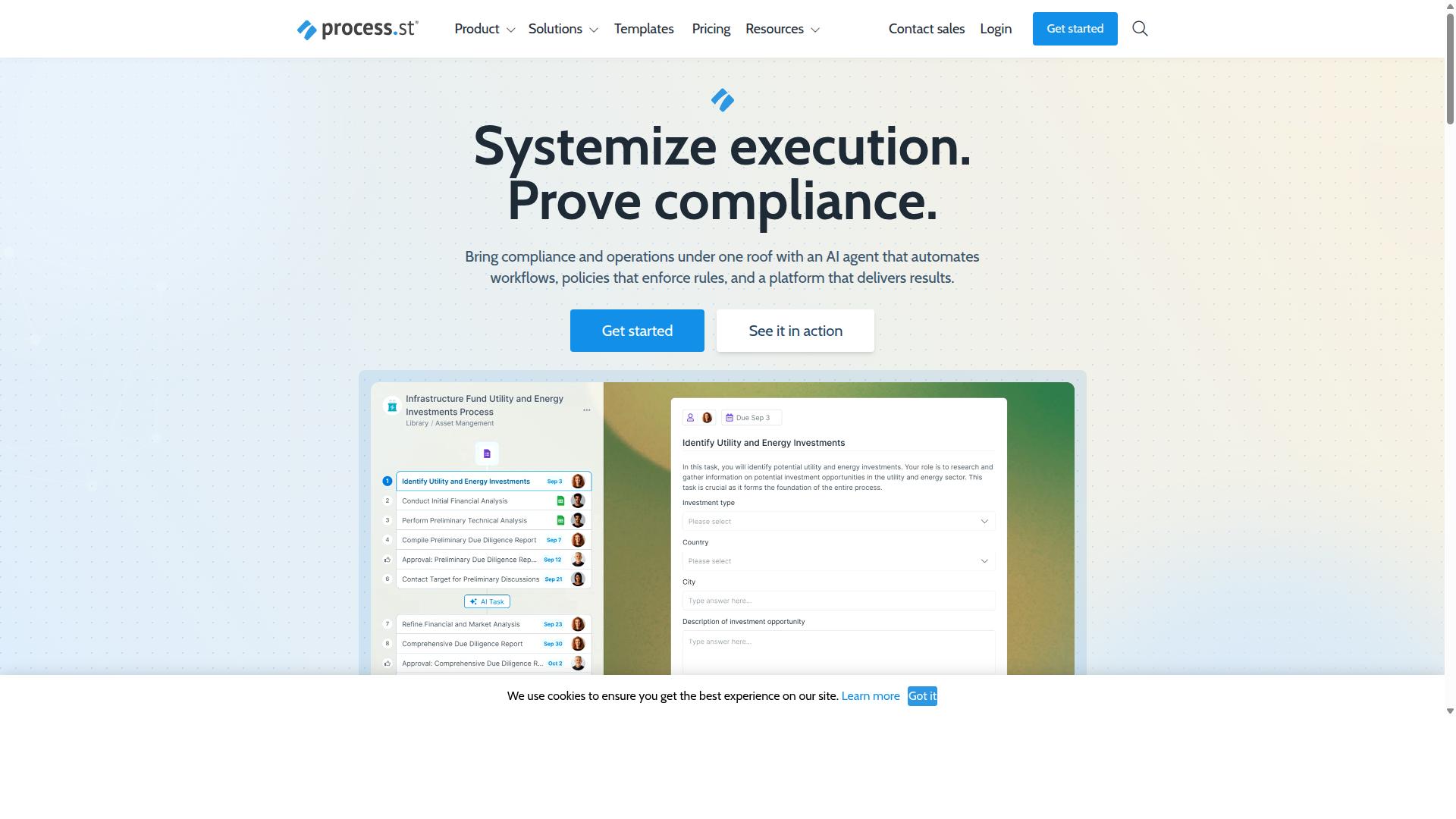
Process Street combines policy enforcement with workflow automation for compliance-heavy teams.
The platform stands out among alternatives to ServiceNow because it focuses on audit-ready documentation and operational consistency.
Teams that need both documented policies and automated execution find it useful when replacing legacy ITSM systems.
Many organizations use it to maintain ISO 9001, SOC 2, and other standards while running day-to-day workflows without added complexity.
Key Features for Workflow Automation
Process Street converts documented policies into AI-powered workflows.
Docs provides document management and policy control with full governance for ISO 9001, SOC 2, SOX, and FDA requirements.
Ops turns those policies into automated workflows that connect to tools like Zapier, Microsoft Power Automate, and Tray.io.
Run handles execution tracking so teams can monitor progress against documented procedures without manual updates.
The platform also includes Cora, an AI compliance agent that monitors regulations and flags risks across processes.
Process Street Pricing and Plans
Process Street offers three plans with distinct limits.
The Startup plan supports 5 users, 10 guests, and 100 automation actions per month, along with 10 automation apps and limited API access.
The Pro plan removes user and guest caps while increasing automation actions to 500 per month and allowing customization of API calls.
The Enterprise plan provides unlimited everything plus dedicated success management, custom integrations, and fully-managed workflows.
Users can choose the level of support and scale that matches their compliance and automation needs.
2. Nintex
Nintex focuses on process mapping and robotic process automation.
This platform provides both cloud and self-hosted options for organizations seeking workflow automation beyond traditional ServiceNow deployments. Nintex Automation CE operates through cloud infrastructure while Nintex Automation K2 offers self-hosted deployment for companies with specific data residency requirements.
The system supports workflow automation, process management, and document automation across multiple industries. Companies in government, financial services, healthcare, and manufacturing use these tools to handle contract management and customer compliance processes.
Nintex for Salesforce enables no-code workflow automation inside the Salesforce environment. Nintex for Microsoft extends similar capabilities to organizations already working within the Microsoft technology stack.
Key Features for Workflow Automation
Nintex provides drag-and-drop workflow builders and pre-built connectors.
The platform includes general RPA capabilities that help organizations automate repetitive tasks across different business systems. Form digitization features allow companies to convert paper-based processes into digital workflows that connect with existing enterprise applications.
Microsoft ecosystem integrations form a core strength of the Nintex approach. Organizations already using SharePoint, Teams, or other Microsoft tools can build automated processes that work within their current technology environment.
Process intelligence capabilities help teams understand how their workflows perform over time. The platform also supports eSign functionality and application development tools for teams that need to create custom solutions beyond standard workflow templates.
3. LogicGate Risk Cloud
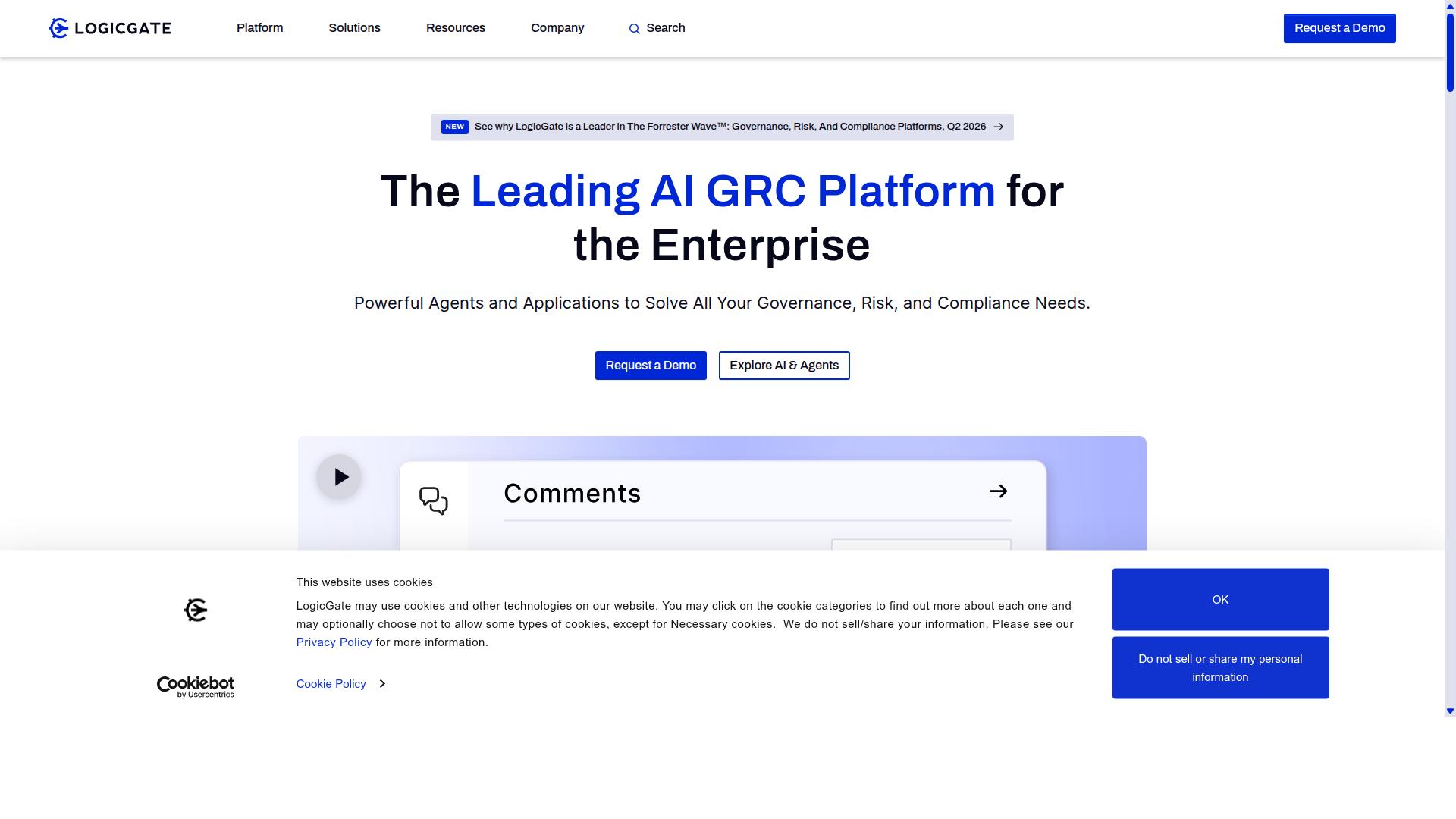
LogicGate specializes in risk and compliance workflow automation. Organizations use this platform to handle structured risk processes and regulatory requirements through automated workflows.
The system focuses on building repeatable processes that connect risk identification with compliance tasks. Teams can create custom workflows that match their specific operational needs.
Users work within a drag-and-drop interface that connects different workflow steps. This approach reduces the time spent on manual coordination between departments.
Key Features for Workflow Automation
LogicGate offers configurable risk scoring and compliance dashboards. The platform includes real-time reporting that shows current status across different risk categories.
Risk assessment templates help teams standardize their evaluation processes across different business units. These templates can be modified to fit specific industry requirements.
Regulatory mapping connects workflow steps to compliance requirements. Teams track which regulations apply to each process and maintain documentation trails.
Audit trail functions record all workflow activities and changes made to processes over time. This creates complete records that support regulatory reviews and internal assessments.
Policy version control maintains records of document updates and approval workflows. Teams can see which policies are current and track changes across different versions.
Regulatory reporting features pull data from completed workflows to generate compliance reports. This automation reduces the manual effort typically required for regulatory submissions.
4. Appian
Appian provides a low-code BPM platform for enterprise process automation. Organizations use this solution for complex case handling across regulated industries. The system combines visual design tools with intelligent automation capabilities.
Teams in financial services, government, and manufacturing benefit from structured workflows. Built-in AI agents support decision-making throughout process lifecycles. Data fabric capabilities help connect information from multiple sources.
Appian offers packaged solutions for contract management, insurance claims, and federal acquisition processes. The platform supports both cloud and hybrid deployment models. Case management studio tools allow teams to build custom applications without extensive coding.
Key Features for Workflow Automation
Appian includes visual development tools and AI-assisted decisioning. Low-code app building enables rapid creation of process applications. Users drag and drop components to design forms, workflows, and reporting interfaces.
Case lifecycle management tracks work items through defined stages and approval gates. Teams can monitor progress, assign tasks, and enforce business rules at each step. The system maintains audit trails for compliance requirements.
AI model integration allows organizations to add predictive capabilities to existing processes. RPA features automate repetitive tasks across connected systems. API integration connects Appian with ERP platforms, document repositories, and external services.
Process intelligence tools analyze completed workflows to identify bottlenecks. Teams can review performance metrics and adjust automation rules based on actual results. Intelligent document processing extracts data from invoices, contracts, and forms automatically.
5. Onspring
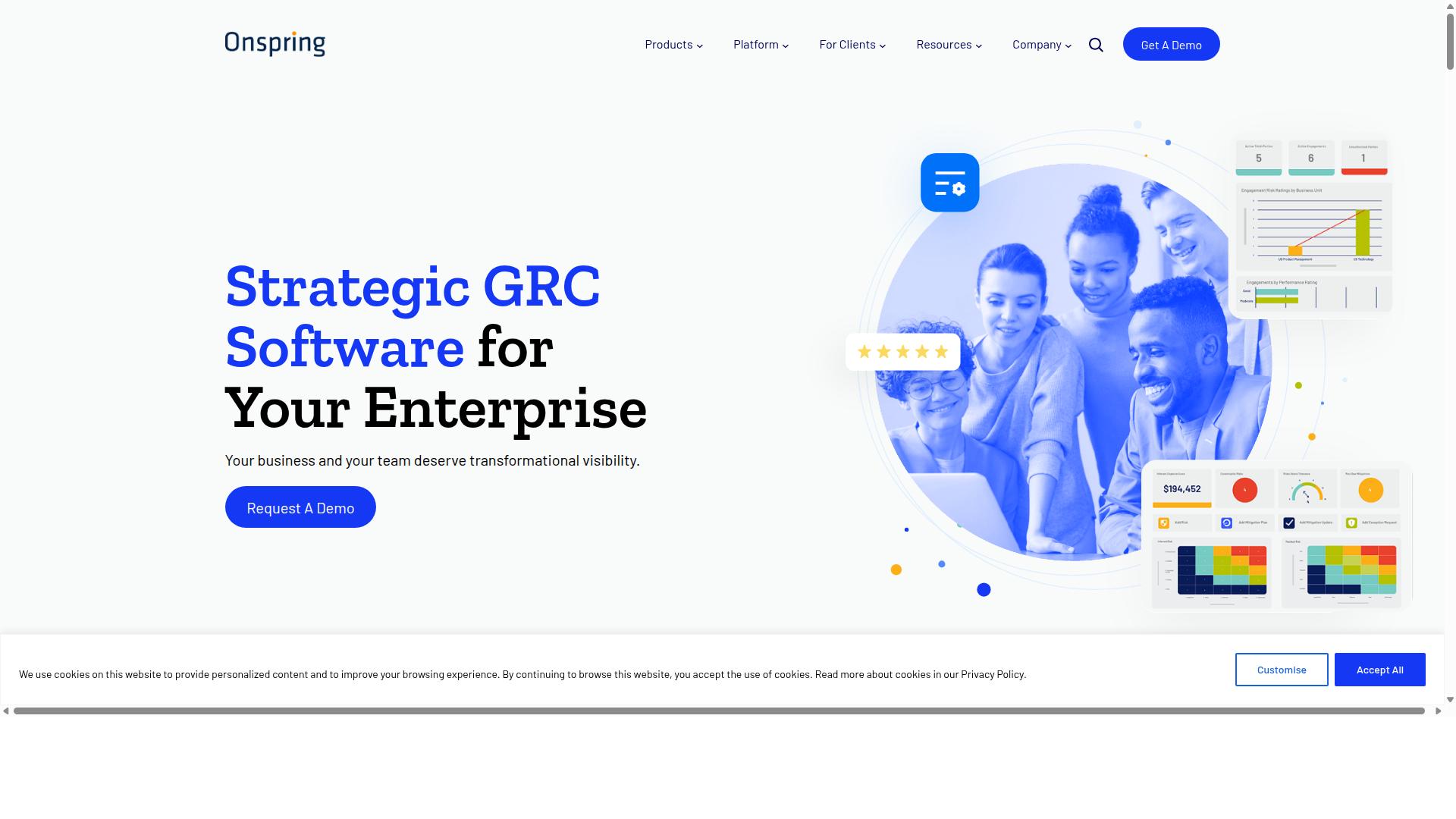
Onspring delivers configurable GRC and workflow automation modules. Organizations use these components to build structured processes across governance, risk, and compliance needs. The platform adapts to various enterprise requirements through its modular design.
Teams often select Onspring when they need specialized GRC workflows rather than general purpose automation. The system supports both compliance tracking and operational workflows within the same environment. This approach reduces the need for multiple disconnected solutions.
Key Features for Workflow Automation
Onspring offers drag-and-drop report builders and role-based dashboards. Users create custom views that match their specific responsibilities and reporting needs. These visual tools help teams monitor workflow progress across different departments.
Automated notifications keep stakeholders informed about task status and upcoming deadlines. The system sends alerts through email and other channels based on predefined triggers. Teams receive updates without manually checking each workflow instance.
Export options allow users to pull data into multiple formats for external analysis. Organizations can generate reports for auditors, regulators, or internal stakeholders. This flexibility supports both operational reporting and compliance documentation requirements.
How to Choose the Right Option
Match platform capabilities to your team's operational scale and compliance demands. Different industries face distinct requirements for audit trails, user licensing, and integration complexity that influence the final decision.
Teams in Operations, Customer management, Compliance, Human resources, Finance, IT and security need to evaluate each option based on their specific industry context. Financial services, Real estate, Manufacturing, Healthcare, Professional services, Technology, Capital markets, and Property management each carry unique regulatory frameworks.
A decision matrix should examine user counts, audit requirements, and integration needs across these sectors. The matrix helps identify which workflow automation alternatives align with operational demands without unnecessary complexity.
Consider whether your organization operates with small teams or enterprise scale deployments. Audit requirements vary significantly between ISO compliance needs in Manufacturing versus healthcare documentation standards.
Integration needs depend heavily on existing technology stacks. Teams should map current tools against platform capabilities before making commitments that affect daily operations across departments.
Document control requirements differ between Capital markets firms and Property management companies. Each sector needs platforms that support their specific compliance documentation without forcing workflow changes that disrupt established processes.
User licensing models impact total cost of ownership when scaling across multiple departments. Organizations should calculate projected user counts across their Operations, Compliance, HR, Finance, and IT teams.
Employee onboarding workflows require different automation depth than Client onboarding processes. The right platform handles both scenarios while maintaining consistency across Human resources and Customer management functions.
Quality tracking capabilities matter most in Manufacturing environments where ISO compliance drives process standardization. Healthcare organizations need platforms supporting clinical documentation alongside operational workflows.
Custom workflows become essential when standard templates fail to address unique business requirements. Professional services firms often need more flexibility than Technology companies with standardized processes.
Teams should assess whether their current ticketing system or incident management processes integrate effectively with each automation platform. Service catalogs and change management workflows may require specific connector capabilities.
Configuration management database connections prove critical for IT and security teams managing assets across distributed environments. Integration requirements extend beyond basic API connections to include data synchronization patterns.
Service level agreement tracking capabilities vary across alternatives to ServiceNow. Operations teams need visibility into performance metrics while maintaining audit trails for compliance reporting.
Low-code and no-code options reduce dependency on specialized development resources. Teams evaluate these capabilities against their internal technical expertise and long-term maintenance requirements.
Cloud-native versus on-premise deployment decisions affect data residency requirements in regulated industries. Financial services and Healthcare organizations often face strict geographic data storage mandates.
Reporting and analytics features support decision-making across all evaluated departments. Dashboards should provide relevant metrics without requiring extensive customization for each user group.
Scalability considerations include both user growth and workflow complexity expansion. Organizations need platforms that accommodate increased automation demands without proportional increases in administrative overhead.
Process Street supports teams across Operations, Customer management, Compliance, Human resources, Finance, IT and security with documented use cases including Employee onboarding, Client onboarding, ISO compliance, Quality tracking, Document control, and Custom workflows. The platform serves industries including Financial services, Real estate, Manufacturing, Healthcare, Professional services, Technology, Capital markets, and Property management through its SaaS delivery model.
Final Verdict
Process Street leads alternatives when compliance automation and audit readiness are priorities. Organizations that need workflow automation with strict security controls find the platform stands out from other options in this comparison.
Three thousand companies and over one million users already rely on Process Street for their process needs. The platform holds both SOC 2 Type II and ISO 27001 certifications that address common enterprise compliance requirements.
Support teams respond in five minutes on average with a ninety-eight percent customer rating. This level of responsiveness reduces delays when questions arise during implementation or daily operations.
The software appears on AWS Marketplace for streamlined procurement. Sales representatives remain available for organizations evaluating workflow automation options against existing ServiceNow deployments.
Recommended Resources: